
Do you need to submit a file, photo or other document to Simply Benefits? Instead of emailing us, log in to your Member Portal and share it with us there.
The File Manager is where files can be temporarily shared between you and Simply Benefits in the most secure manner. This ensures only you and our Group Administration team have access to your sensitive documents related to coverage and services.
The File Manager is not yet available on the member mobile app. Stay tuned!
To use the file manager from your computer, log in and select Files from the left-hand navigation.
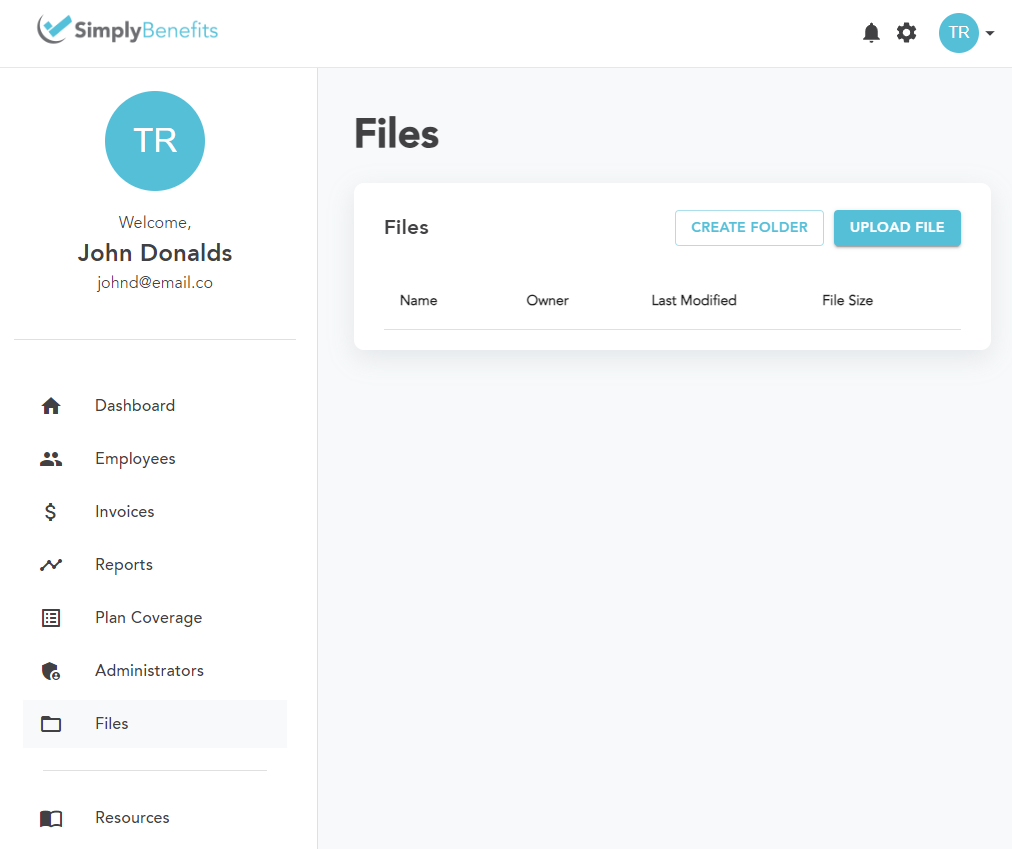
If it suits you to keep multiple files more organized, you can create a folder. Otherwise, simply select Upload File and select the files from your computer. Please note that large files will take a brief moment.
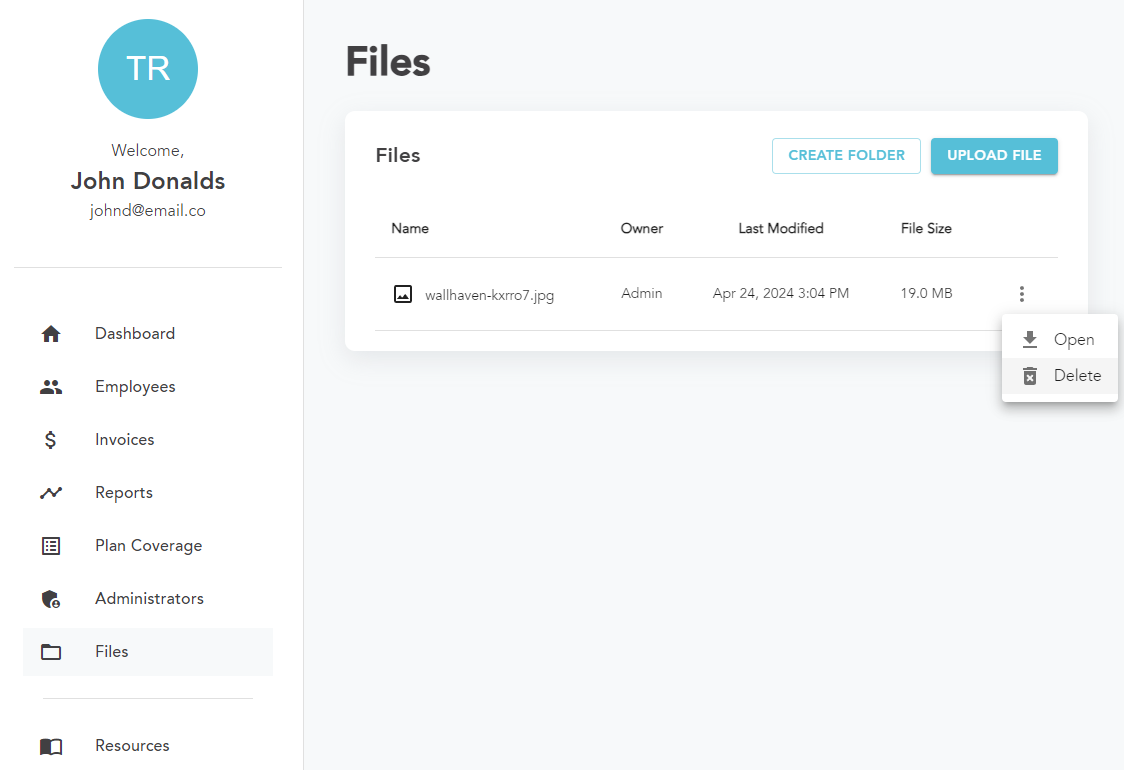
If you'd like to open/preview a file, simply select the more options button (three dots on the right) then select "Open" in the menu. You may also delete files and folders from the same menu.
It's important to remember to only share relevant and necessary files with us so that we can help you better. Files which are not relevant and necessary may be permanently removed from the file manager.